Explore Every Role
See how the platform adapts to each user — from public sign-in to admin, manager, team leader, wash hand, and client views.
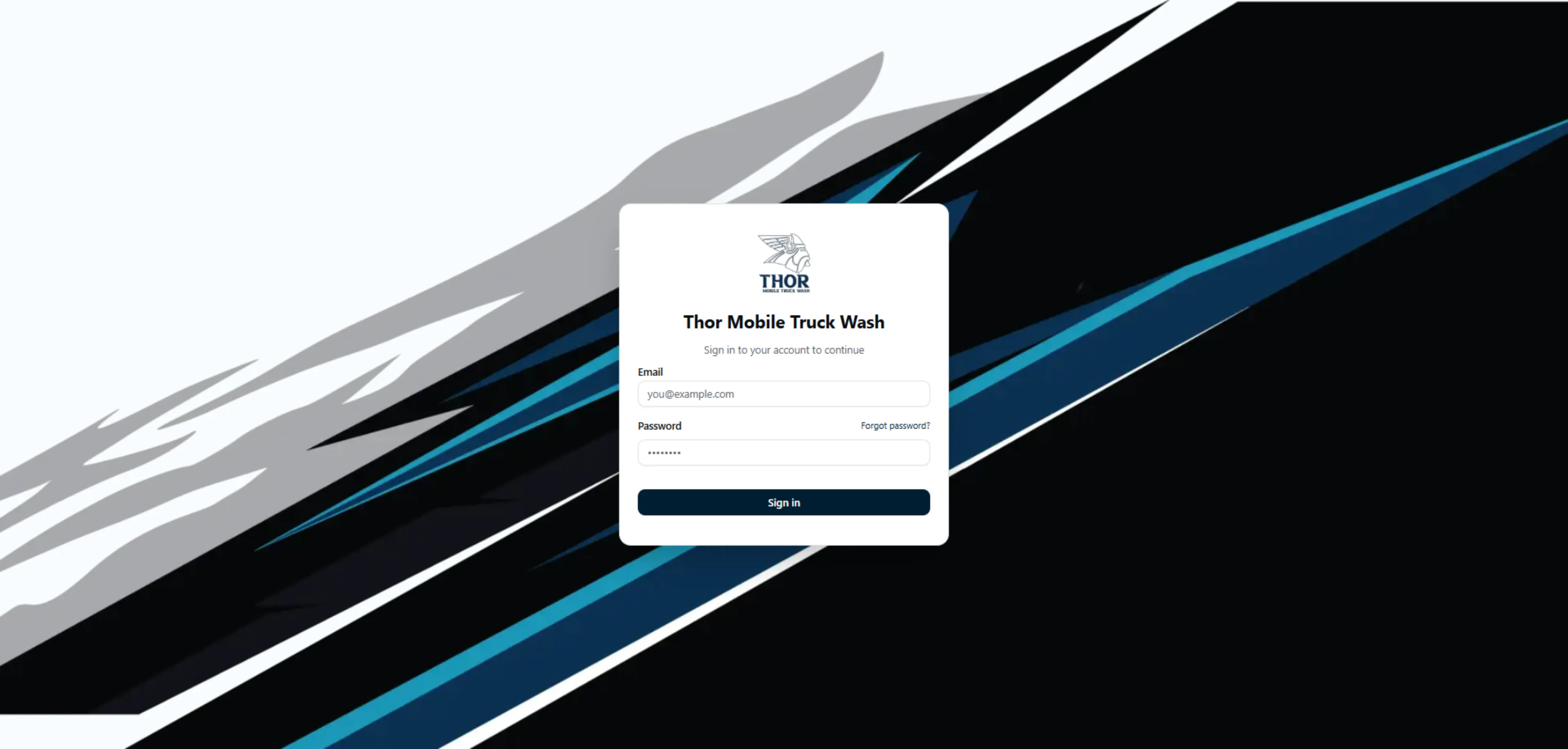
Authentication & Public Pages
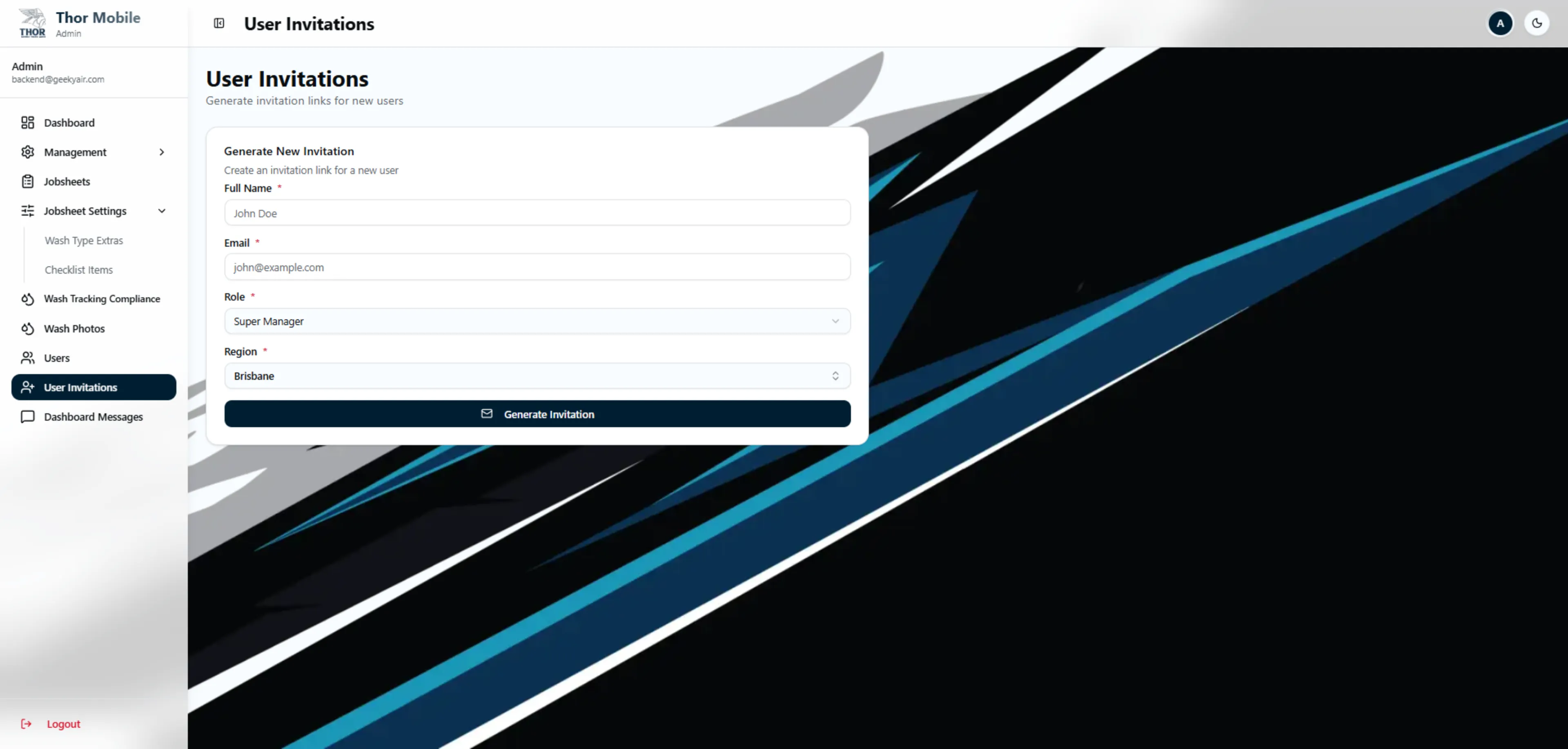
Login, password reset, and invitation flows. Routes are gated by role-based middleware that redirects each user to their own dashboard on sign-in.
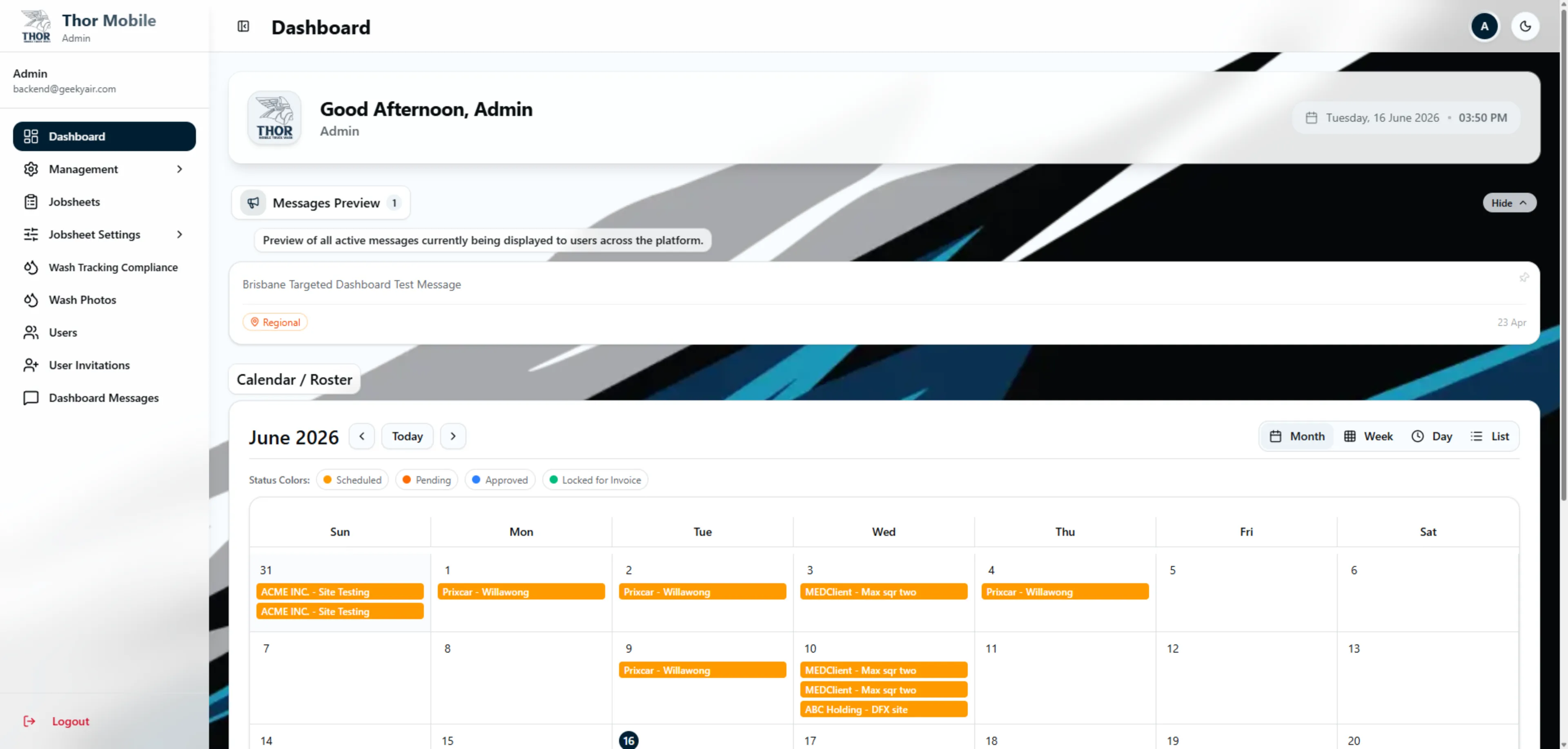
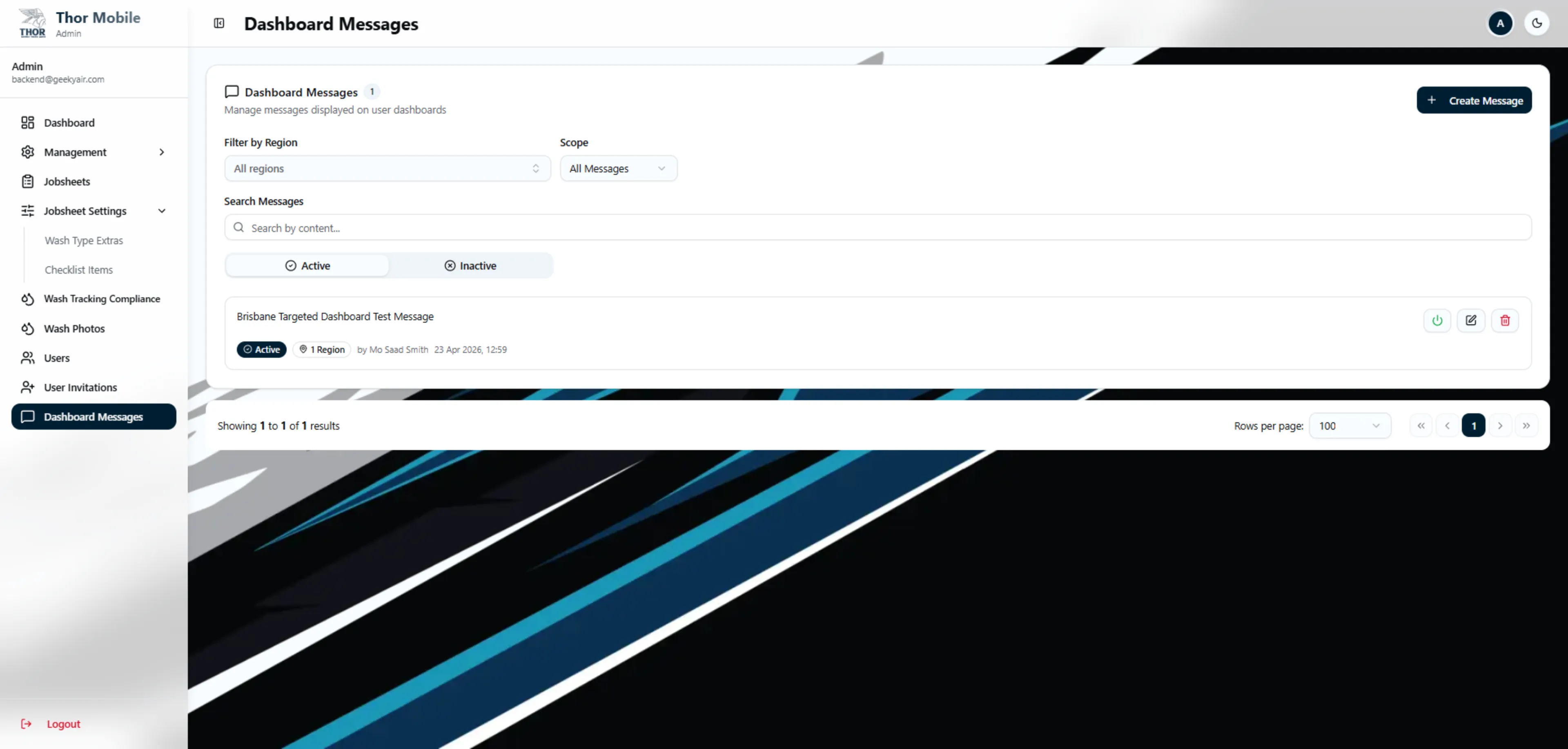
Admin Dashboard
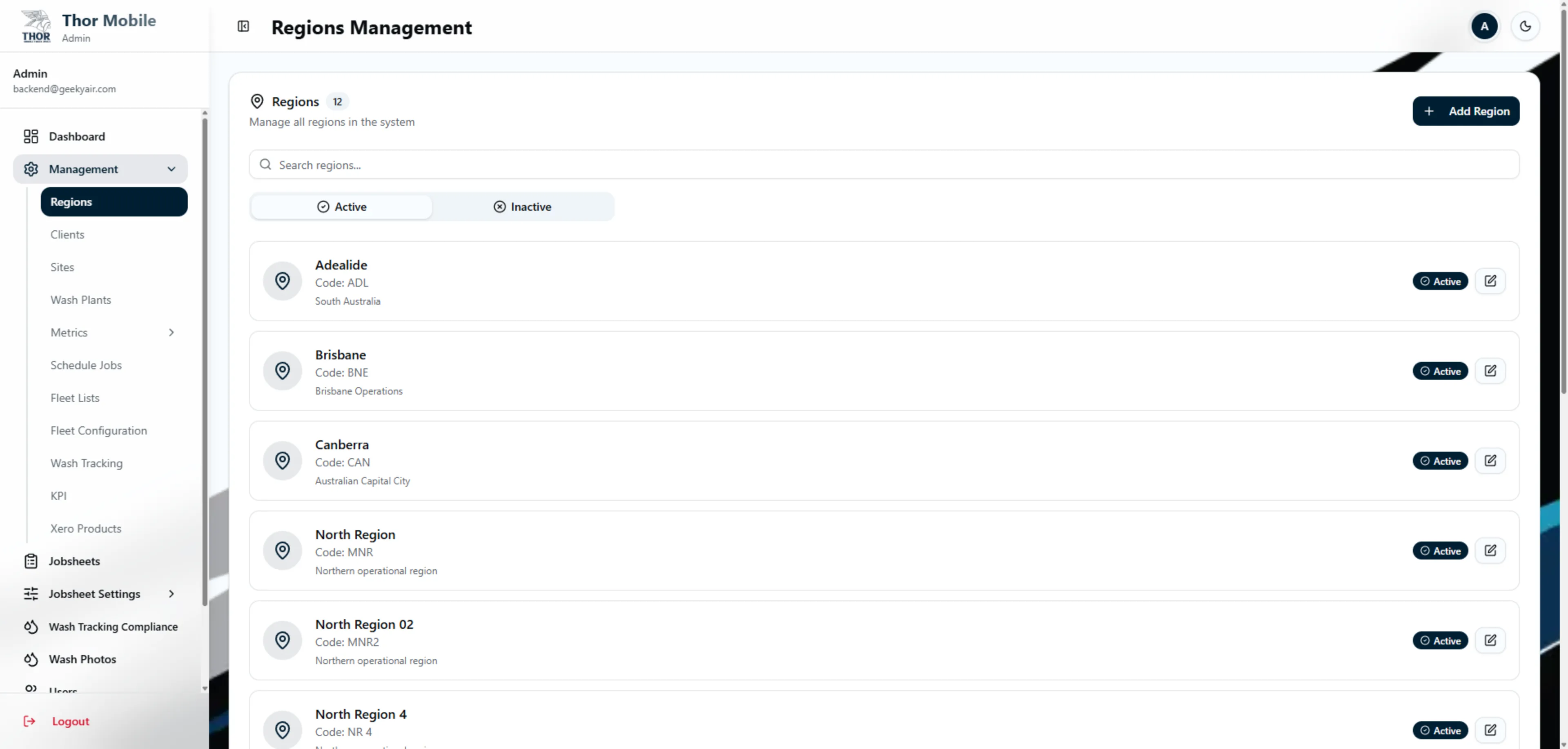
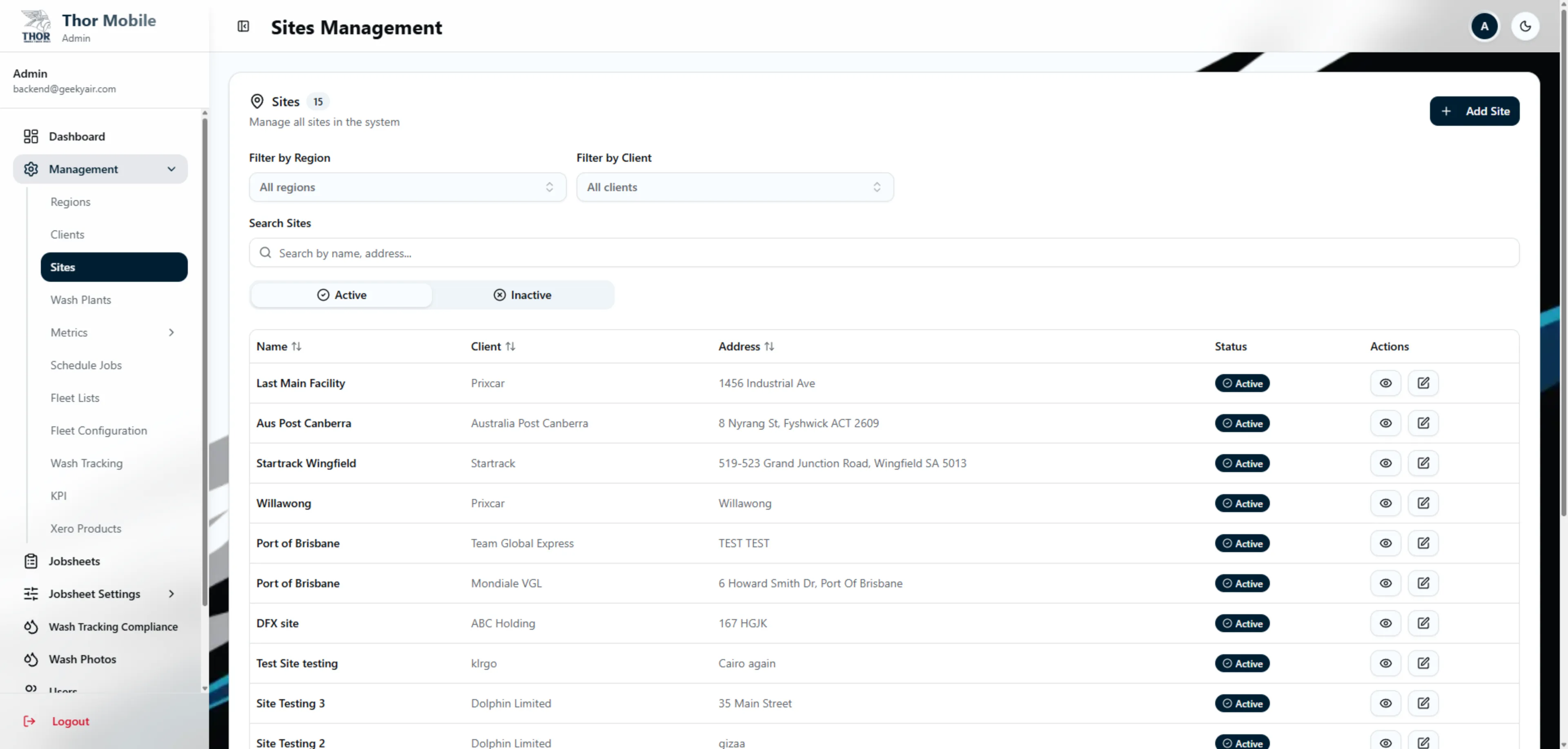
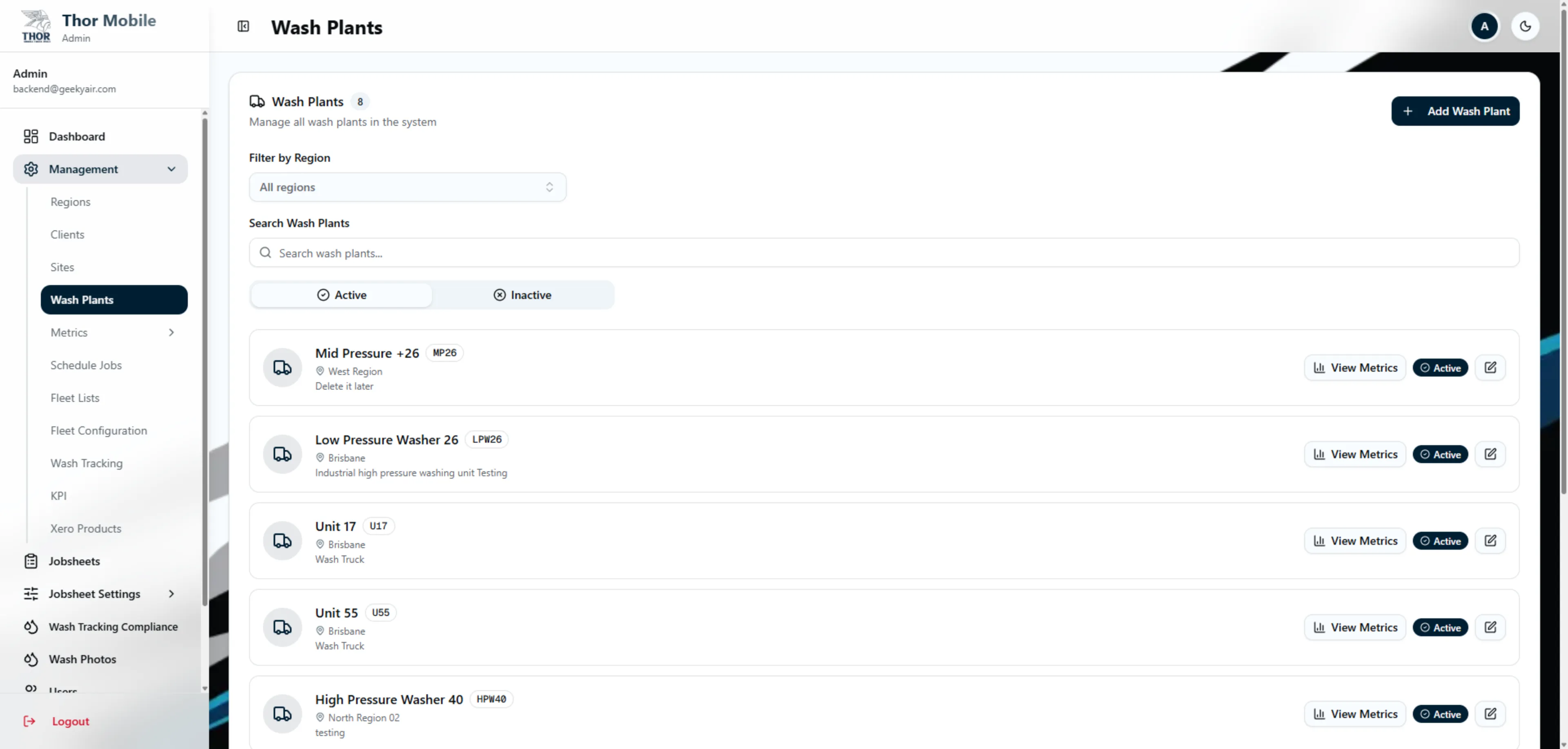
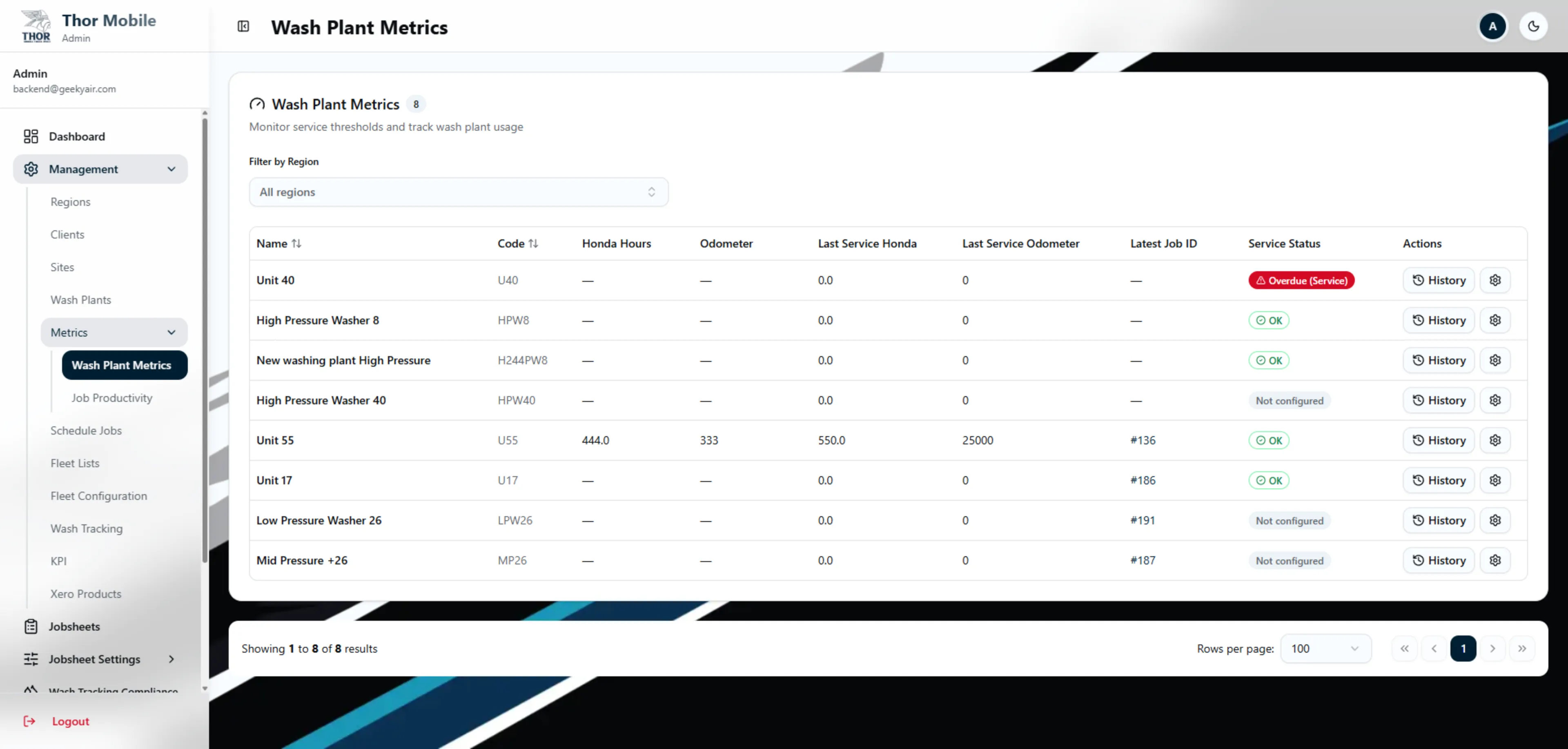
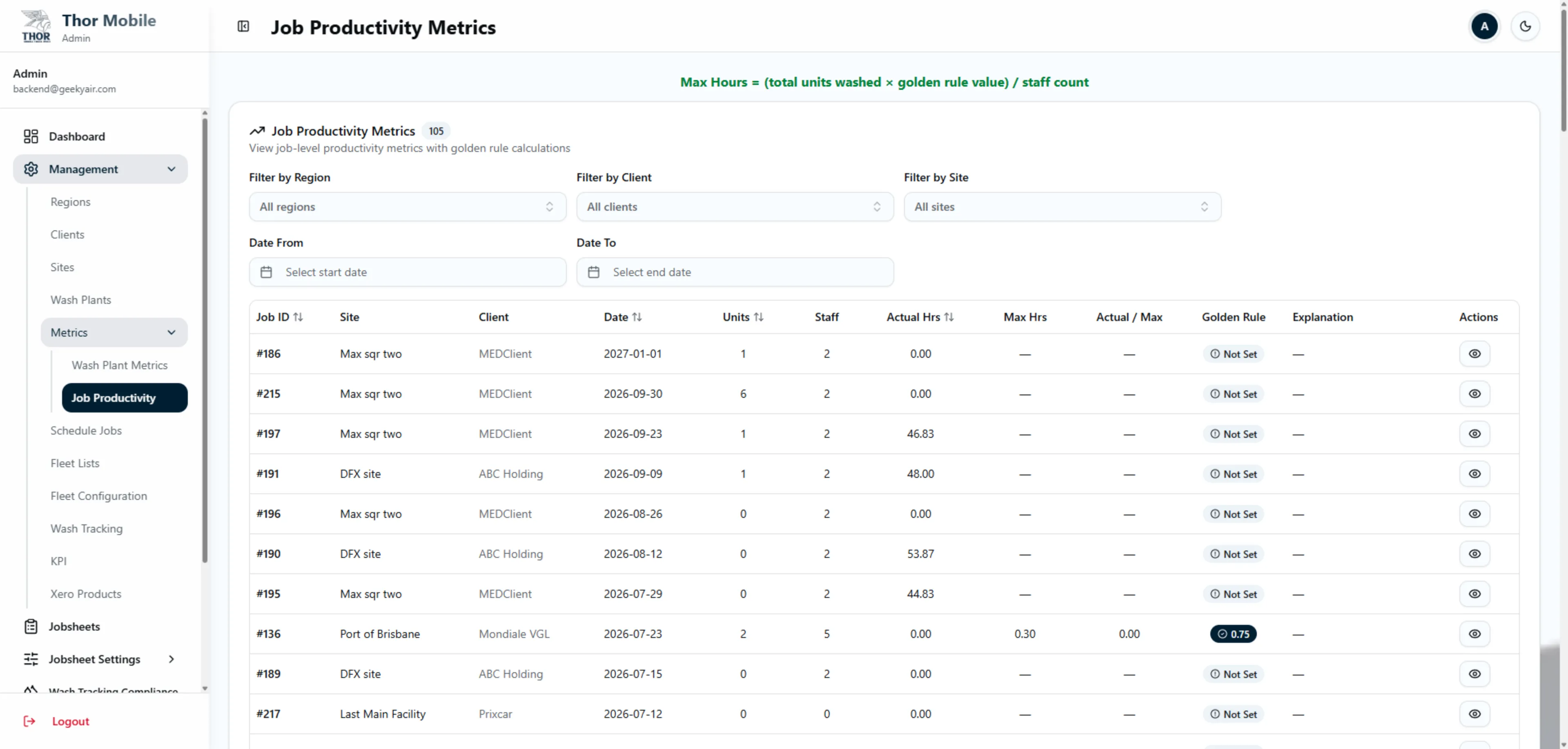
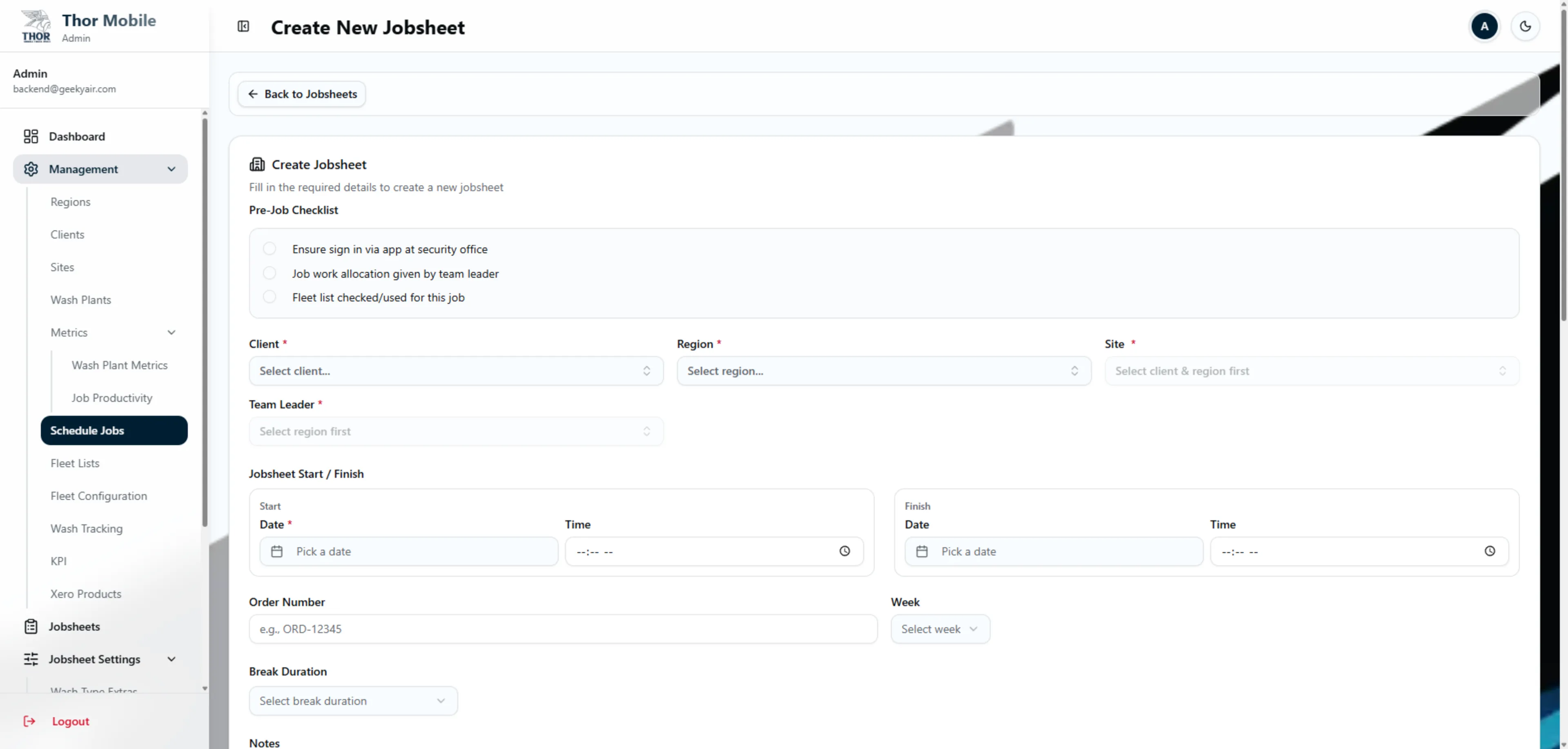
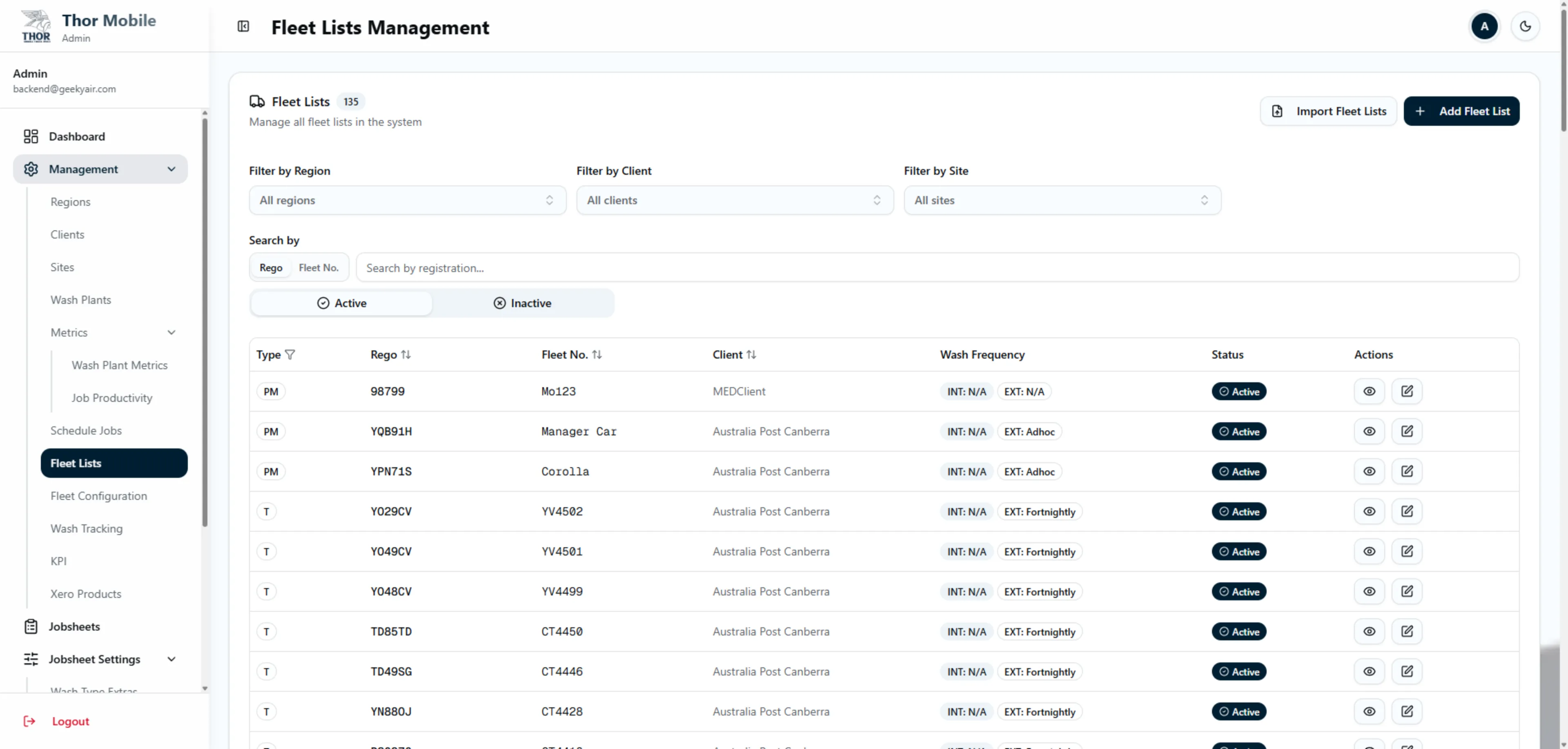
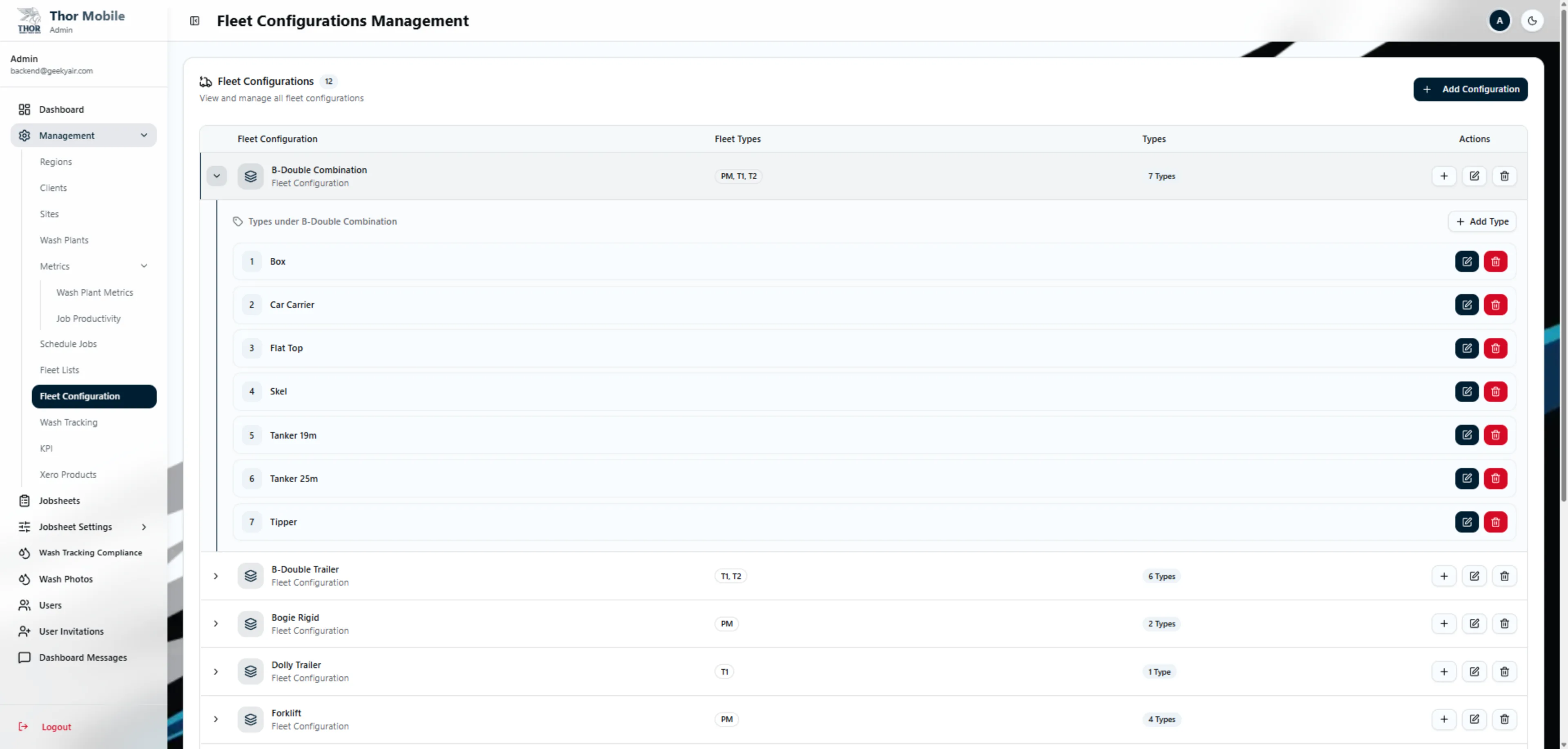
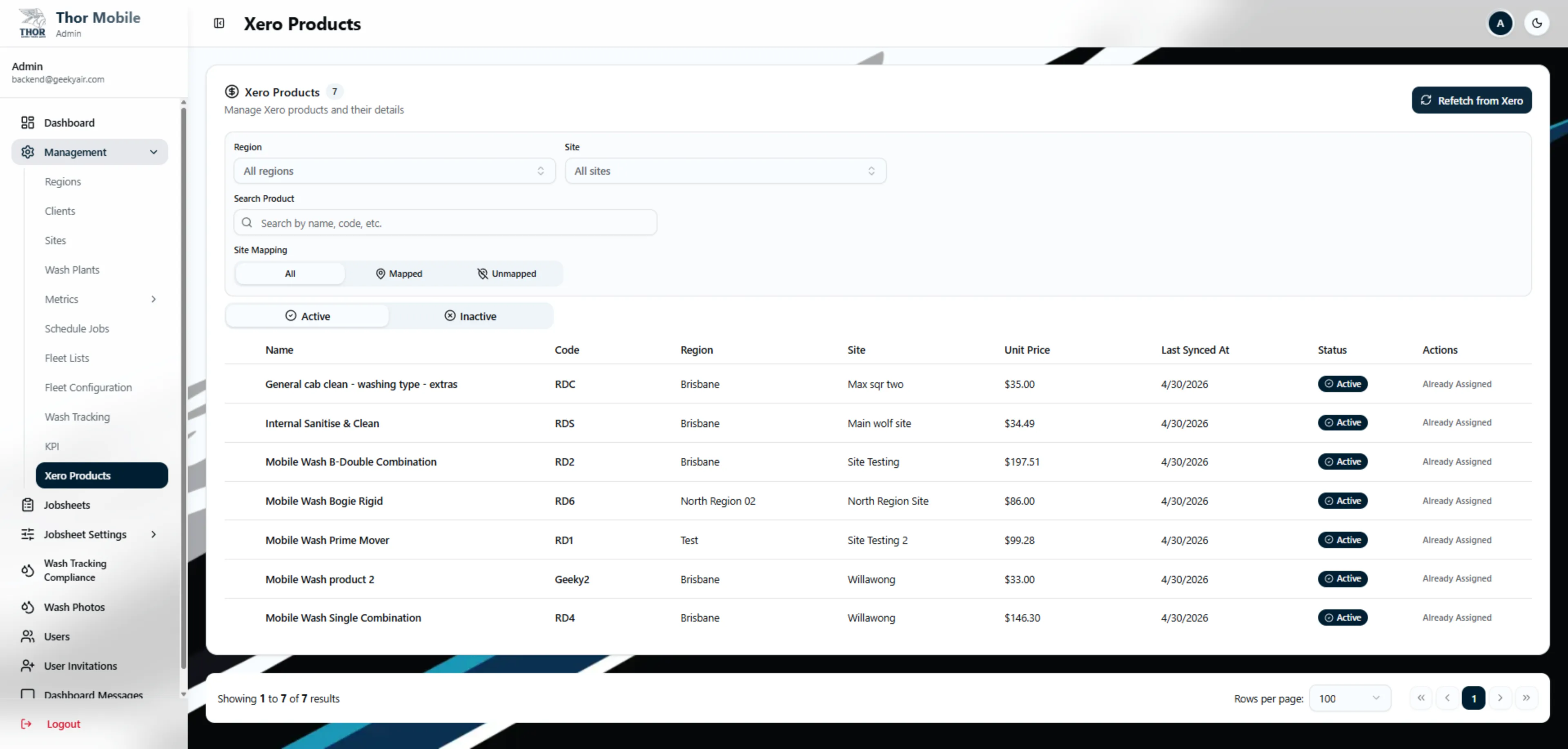
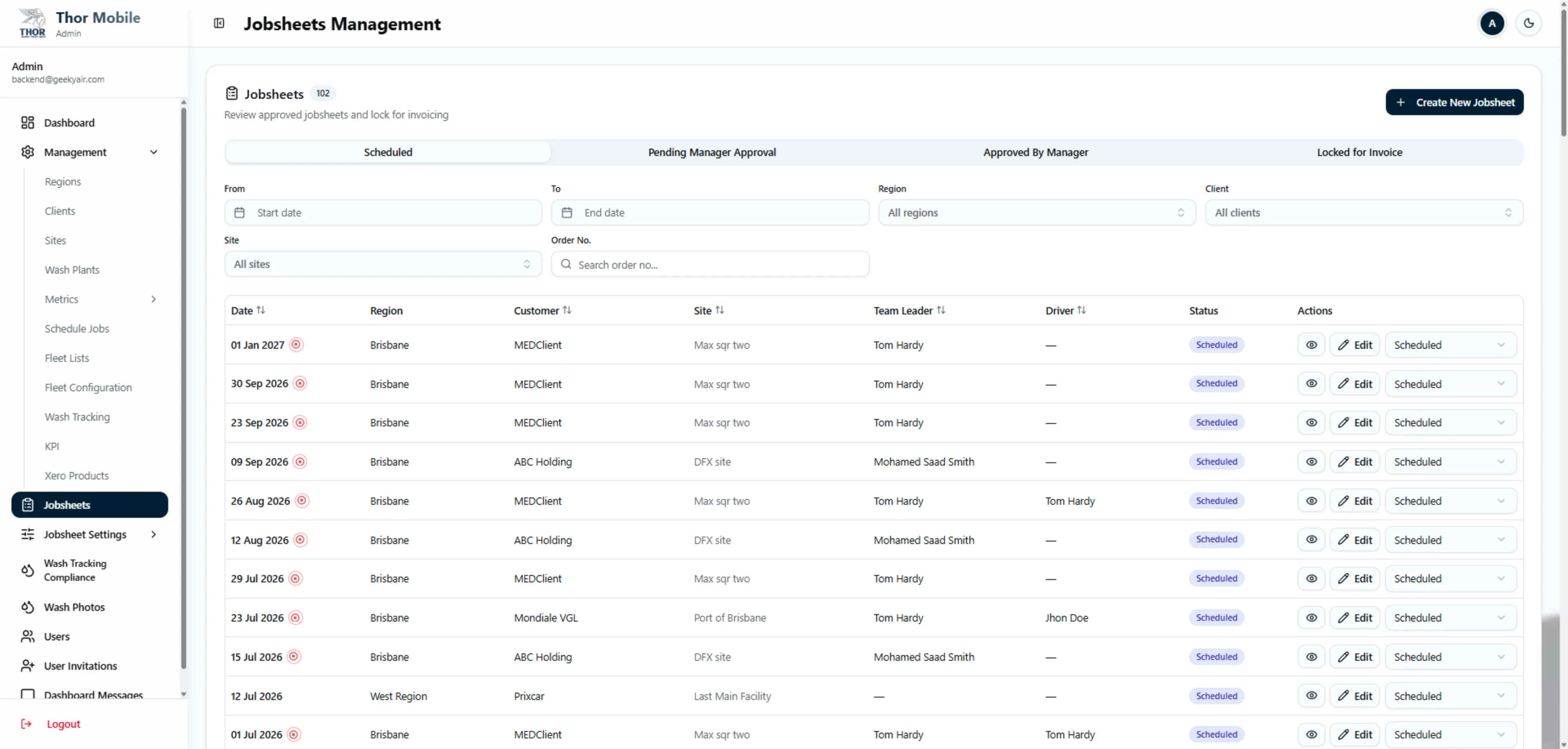
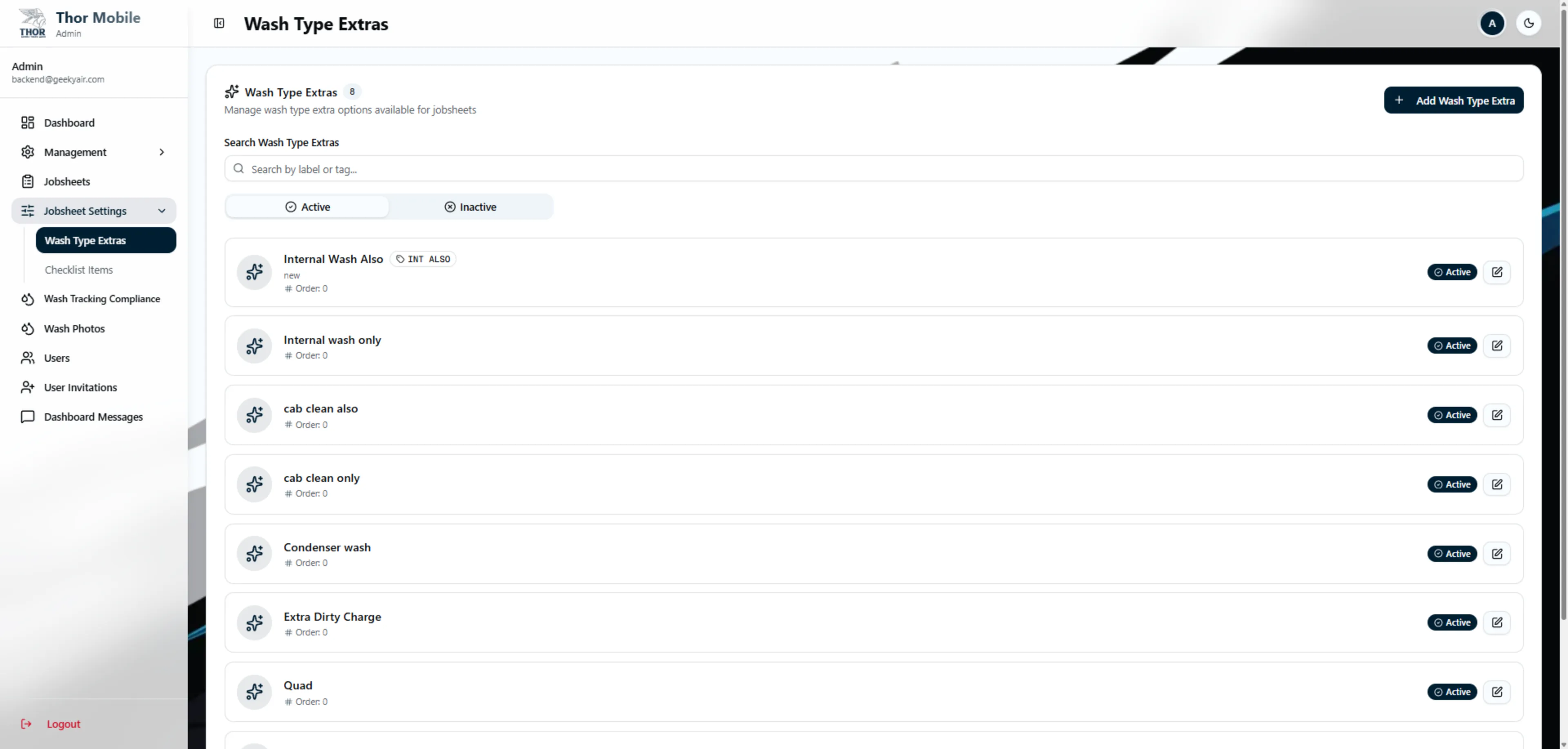
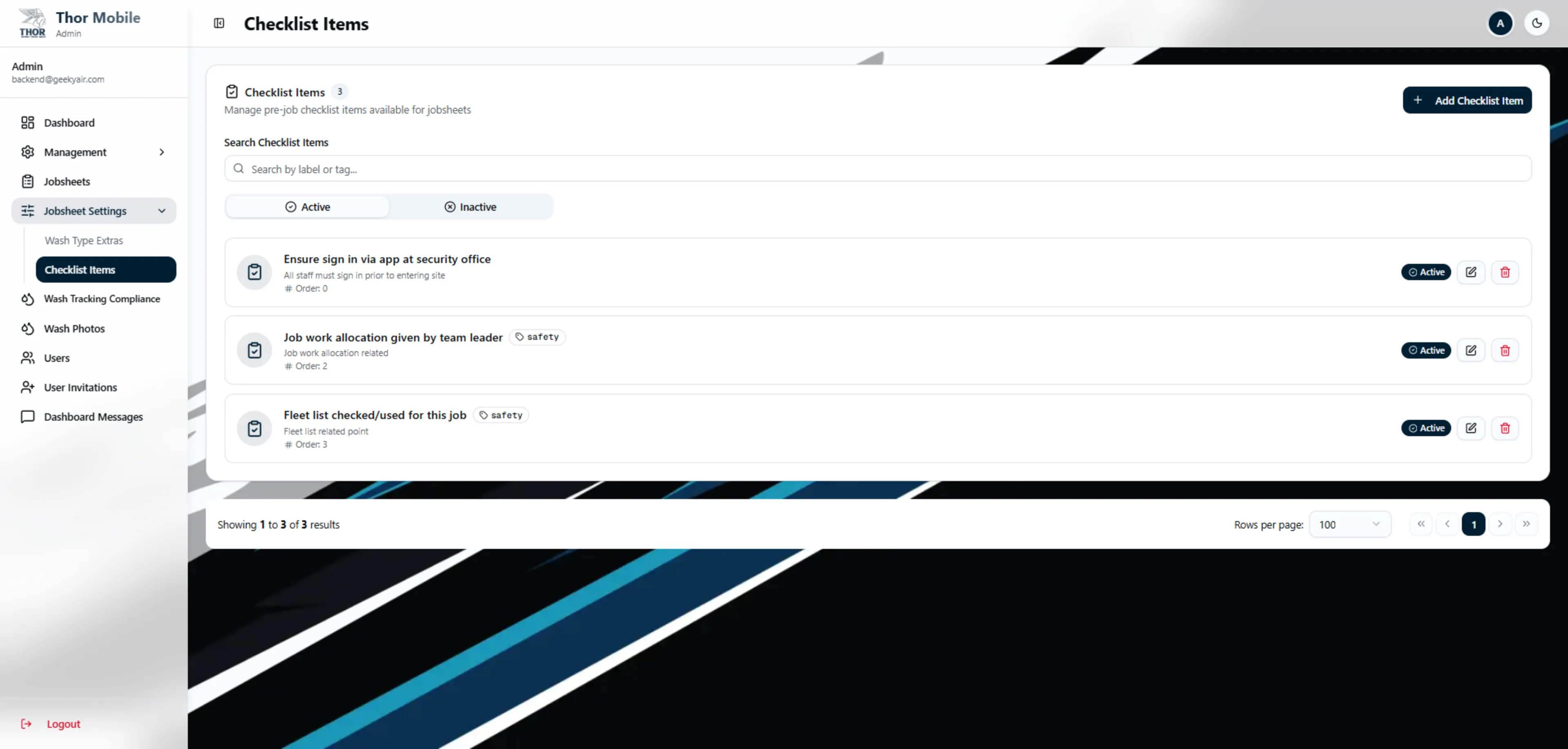
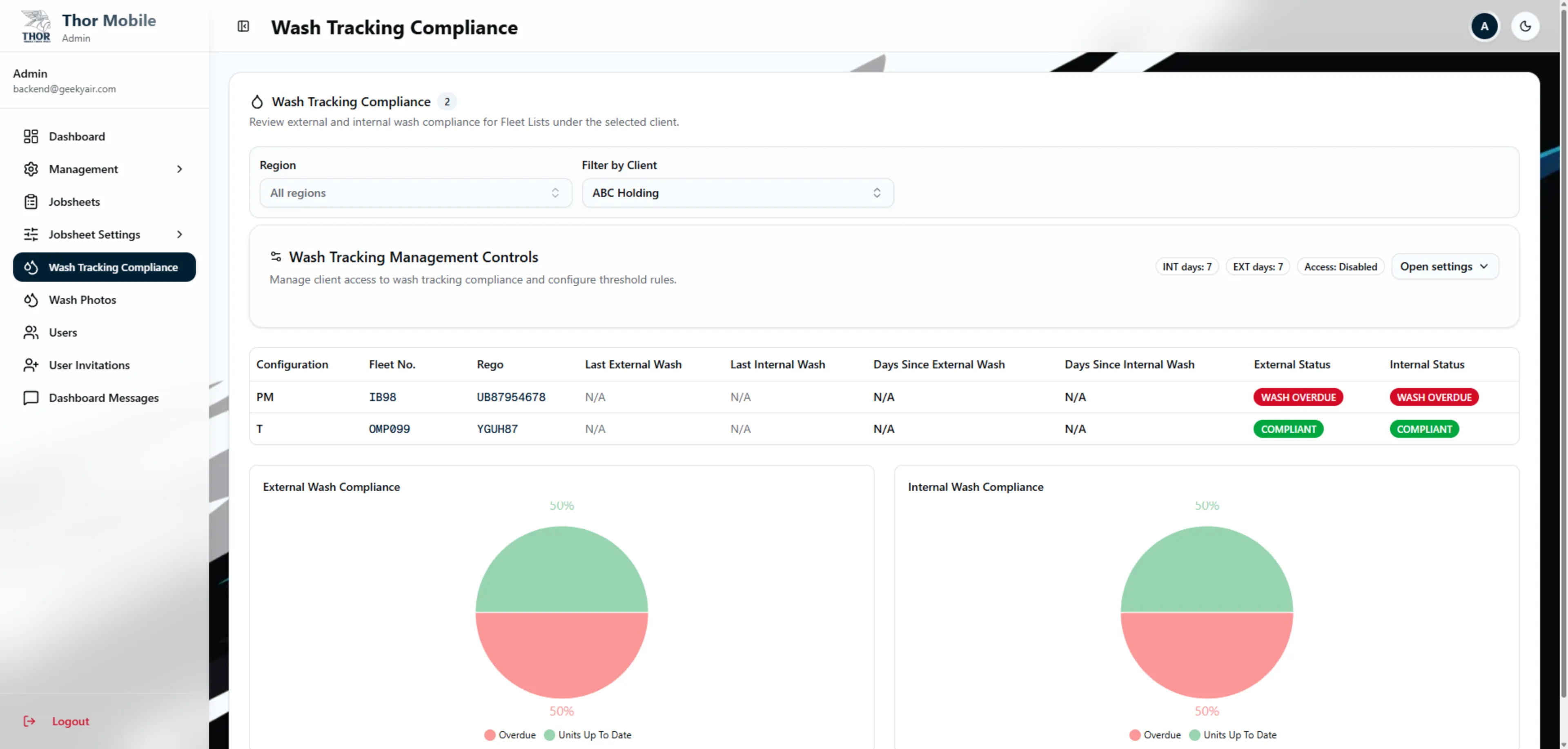
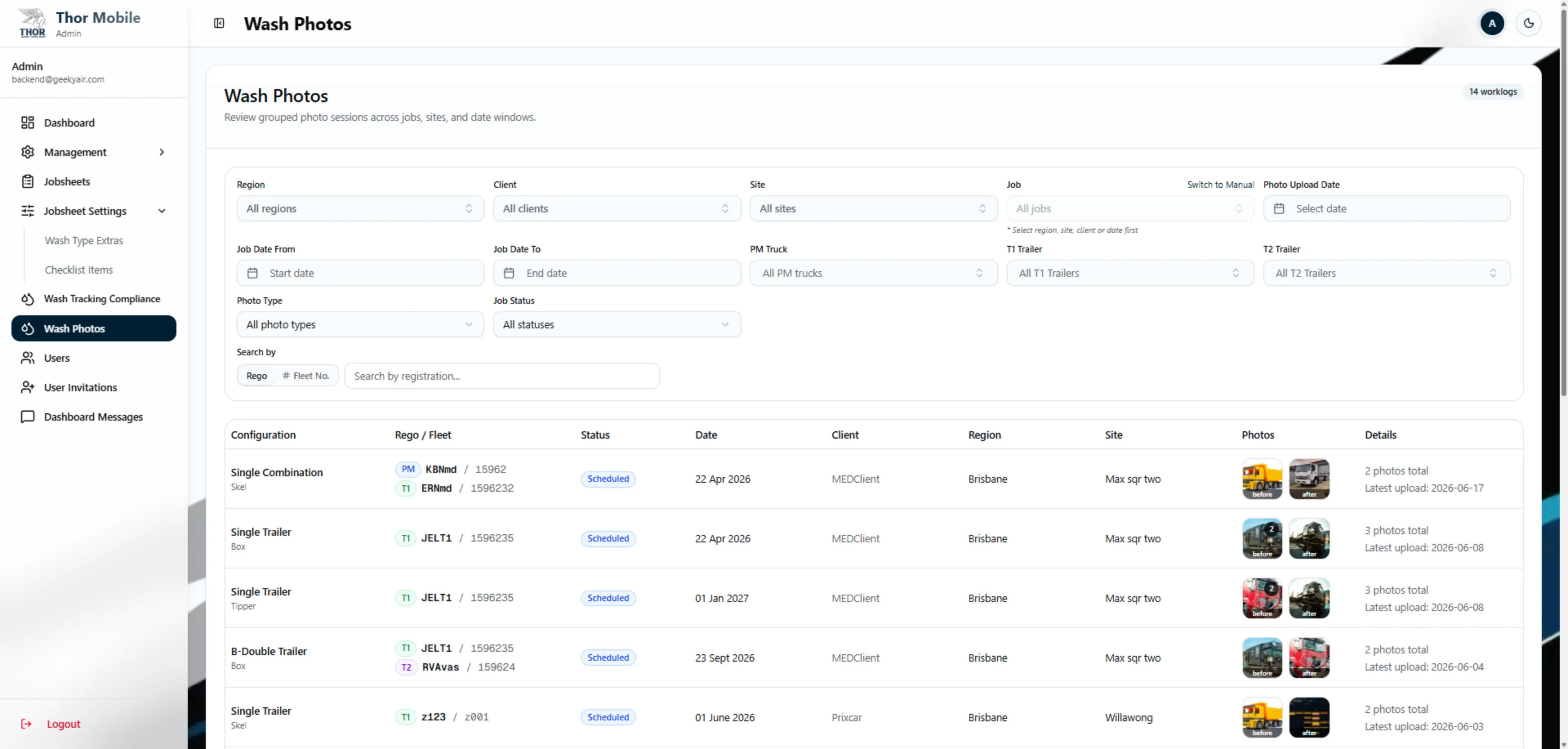
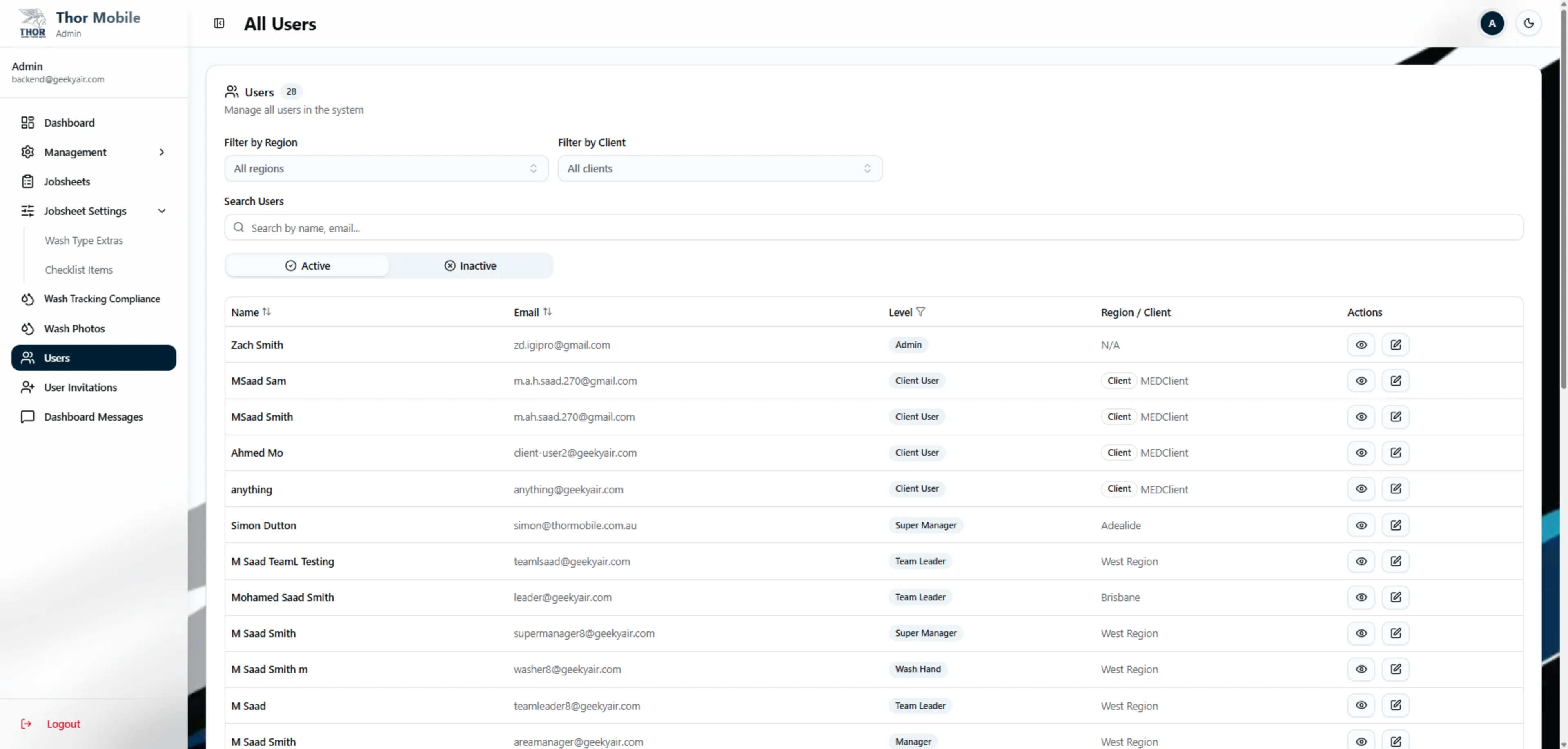
Full system access. The Super Admin role is the only one that can manage regions, define the global fleet configuration hierarchy, and configure wash-type extras / checklist items. Has access to all operational data across all regions and clients.
Super Manager Dashboard
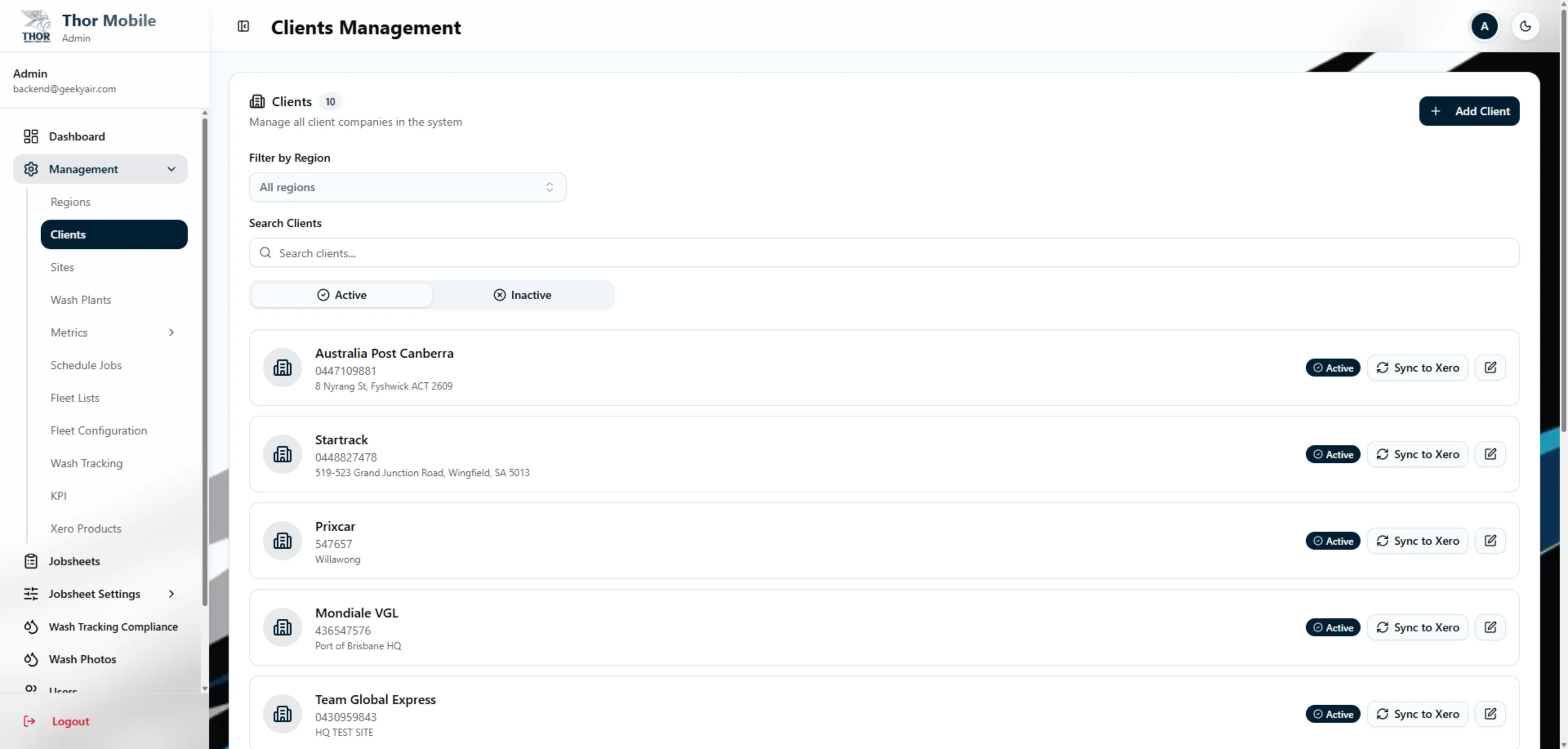
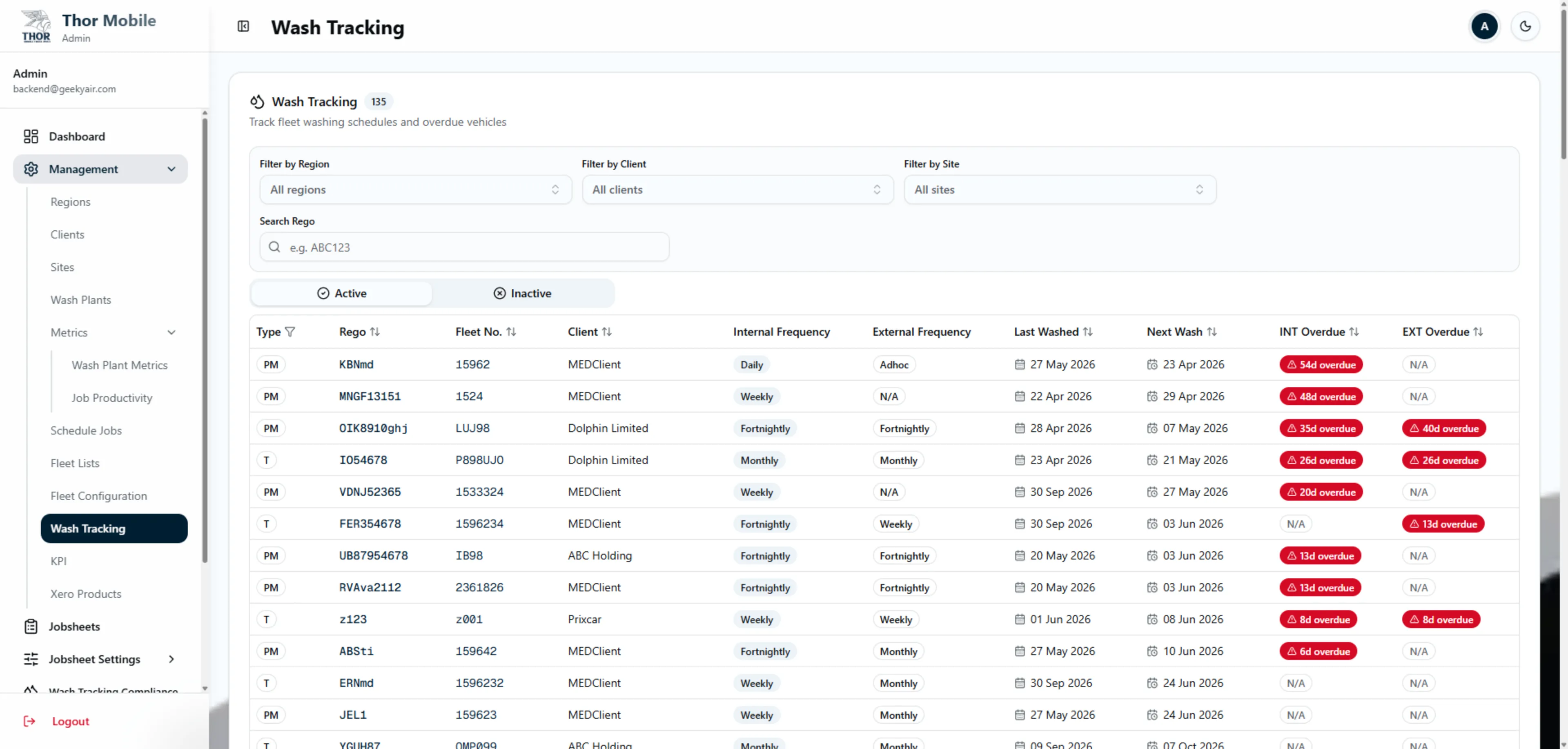
Region-scoped management with an optional 'view all regions' toggle. Can manage clients, sites, jobs, wash plants, fleet lists, wash tracking, and KPIs within their scope. Cannot edit region definitions.
Manager Dashboard
Single-region operations. Manages clients, sites, jobs, wash plants, fleet lists, and team coordination within their assigned region. Sees only their region's data.
Team Leader Dashboard
Field operations focus. Views scheduled jobs for their team, creates new jobs, manages wash hand and wash plant assignments, handles check-in / check-out, and submits jobs to managers. Can only see jobs in their region with their team assigned.
Wash Hand Dashboard
The simplest role view. Wash hands see only jobs they have been assigned to, can check in / out with GPS and selfie verification, and upload before / after photos. No administrative controls.
Client Admin Dashboard
Client organization management. Manages their own fleet list, sites, users, and invitation tokens. Sees wash tracking compliance and wash photos for their client's fleet only.
Client User Dashboard
Read-only access to their client's fleet and compliance data. Can view wash tracking compliance and wash photos but cannot modify anything.